






- Package: SOP
- is_customized: Yes
- Model Number: LM2596
- Operating Temperature: Digital display step-down board
- Dissipation Power: 2a
- Supply Voltage: DC 4-40V
- Application: Computer
- Condition: New
- Type: buck (stepdown) regulator
- Brand Name: diymore
- Origin: Mainland China
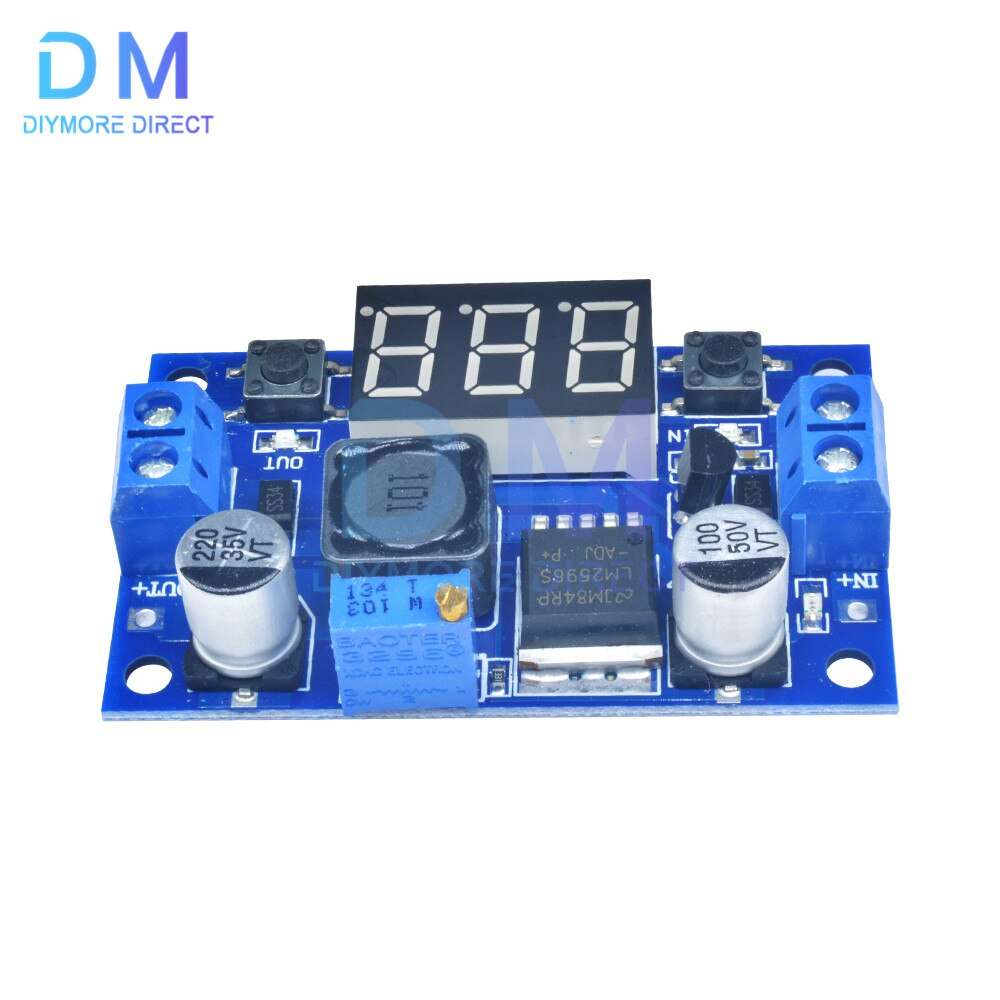
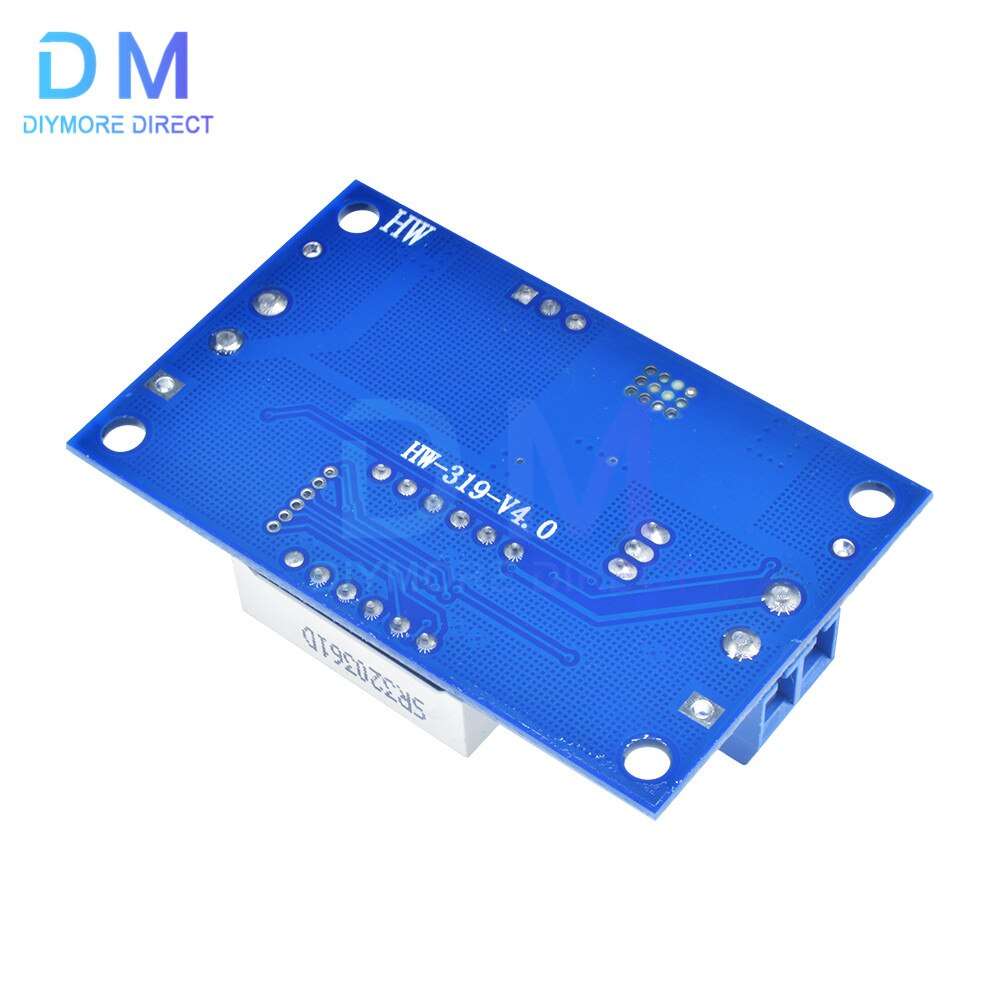
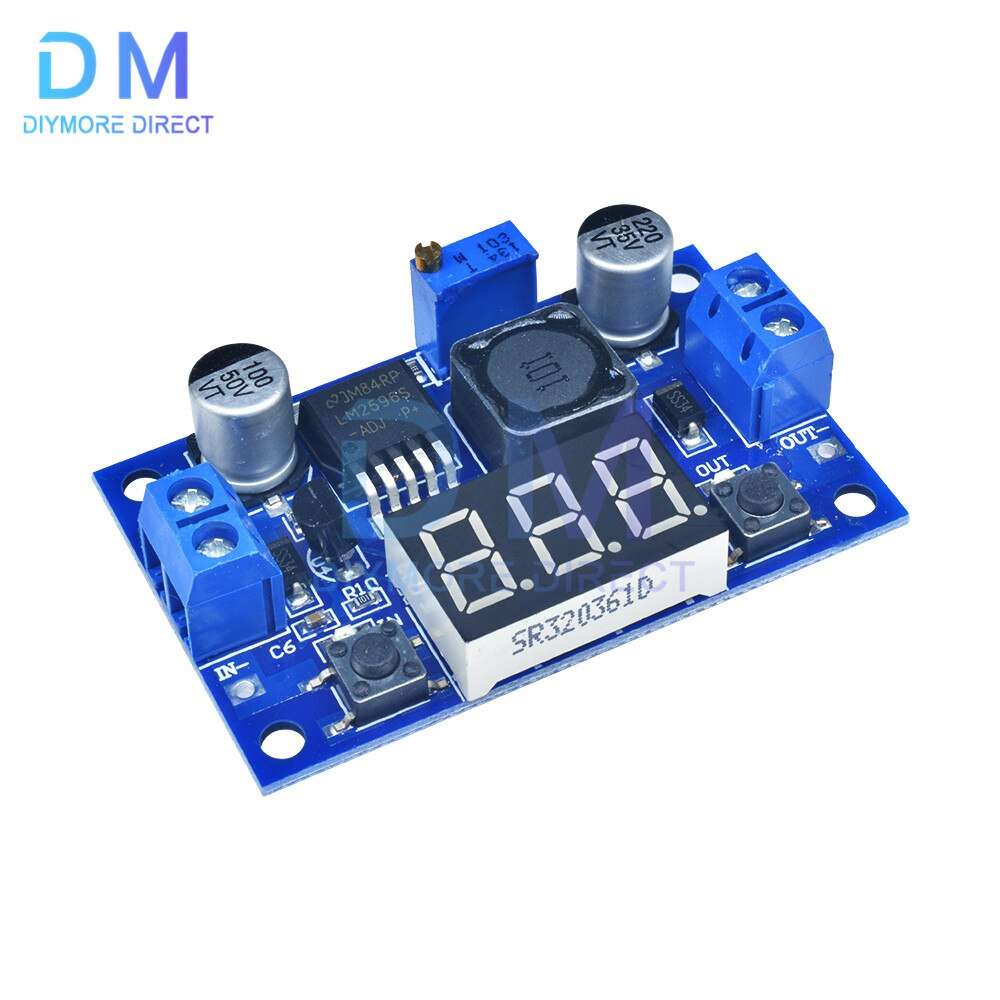
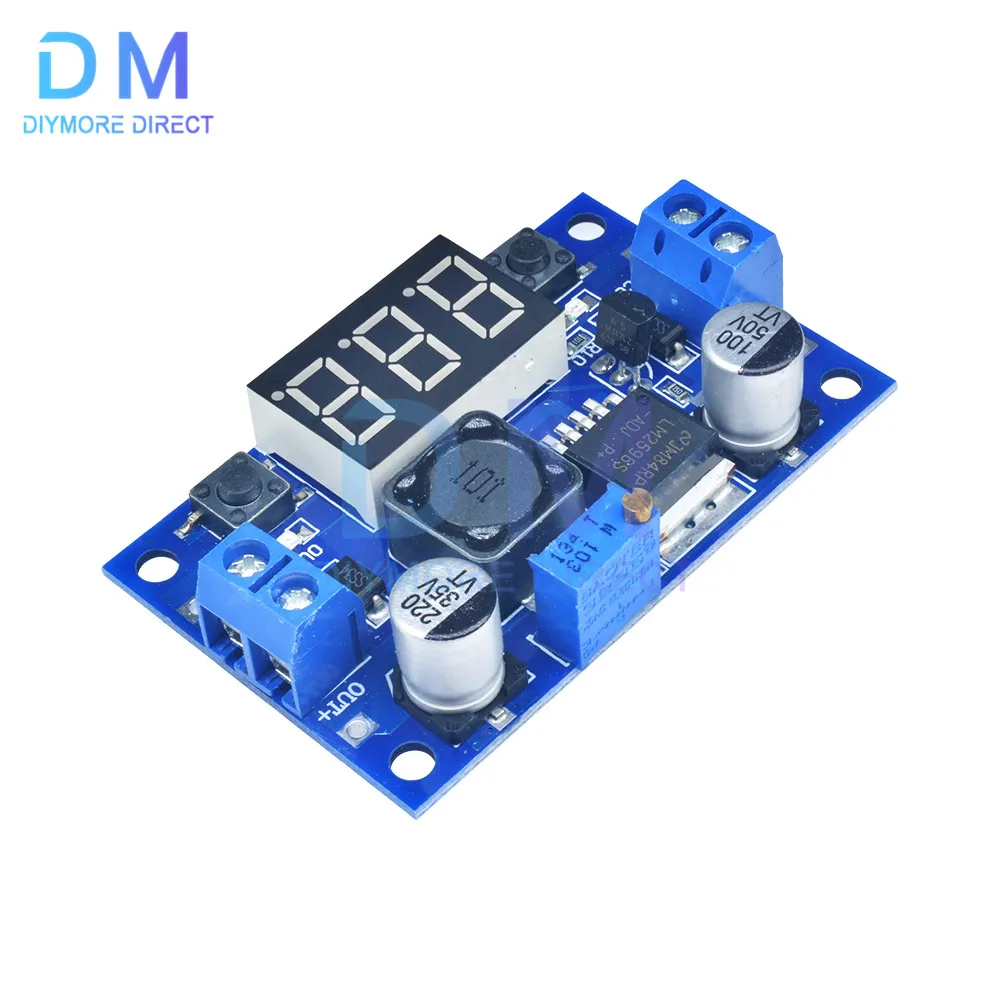
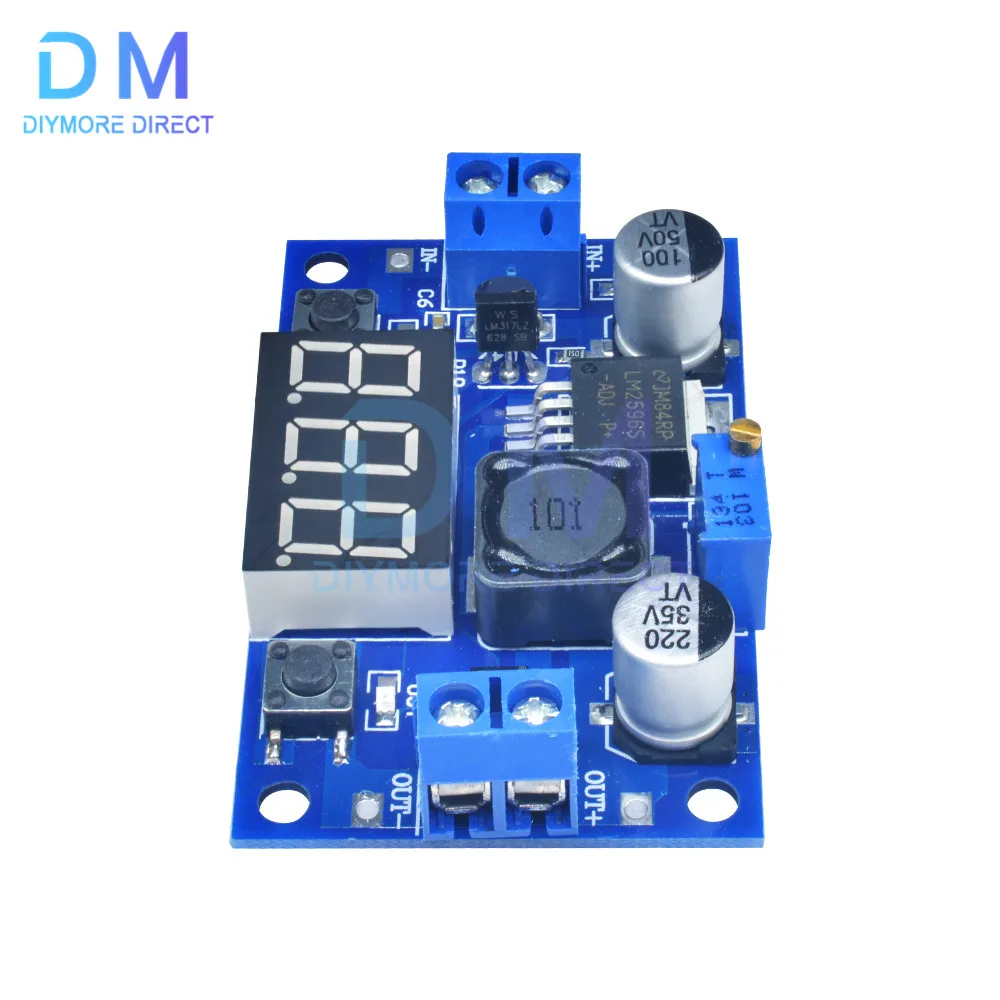
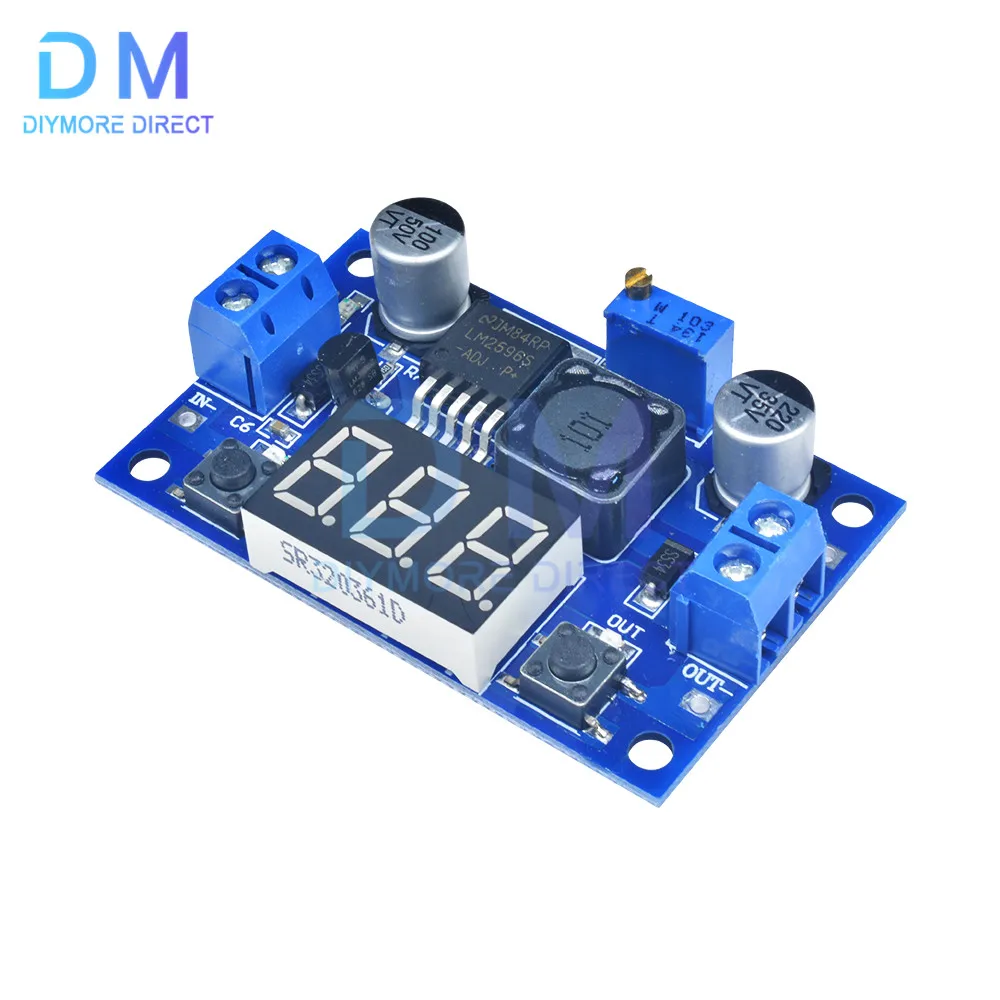
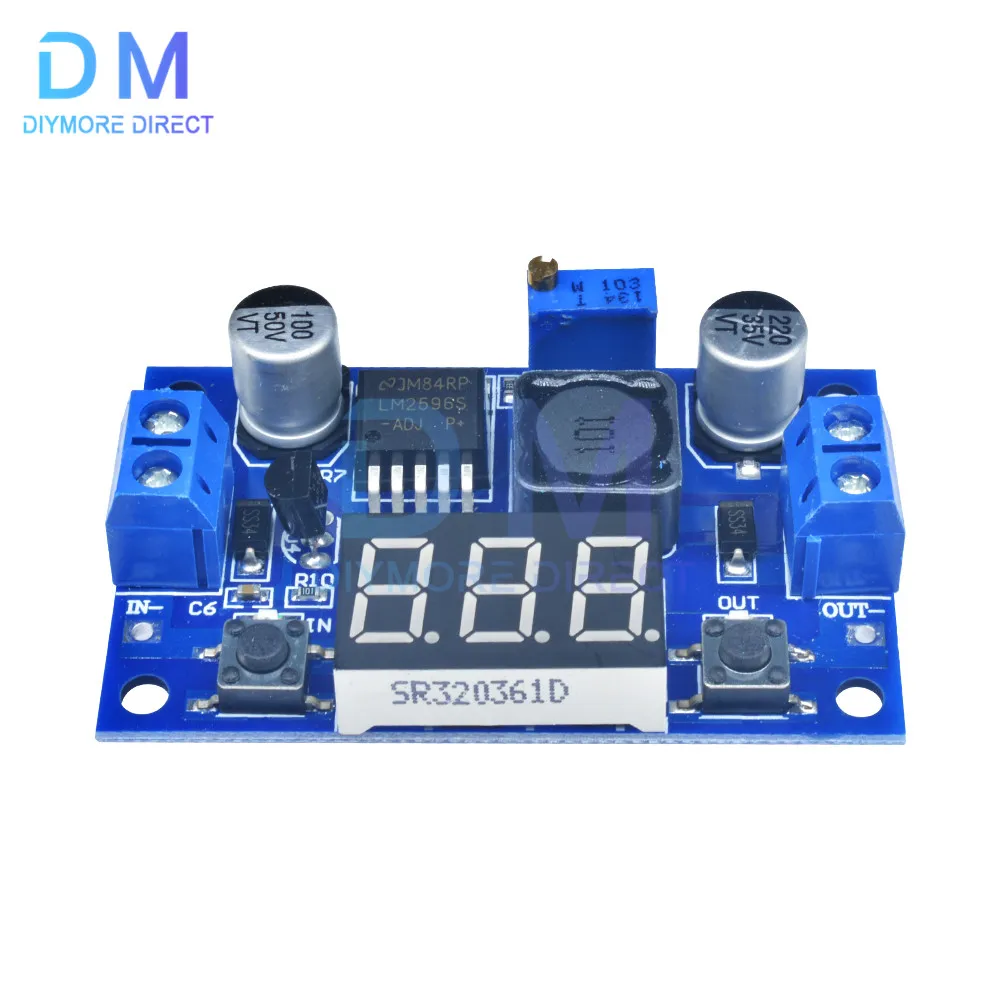
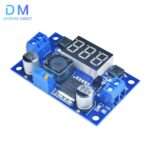
LM2596 DC DC Step Down Converter Voltage Regulator LED Display Voltmeter 4.0~40 to 1.3-37V Buck Adapter Adjustable Power Supply
Specification.
Input voltage range: DC 4-40V
Output voltage range: 1.25-37VDC adjustable
Output current: 2a
Voltmeter range: 0-40V, error ±0.1V
Input reverse polarity protection
Built-in output short circuit protection function
Integrated thermal shutdown function
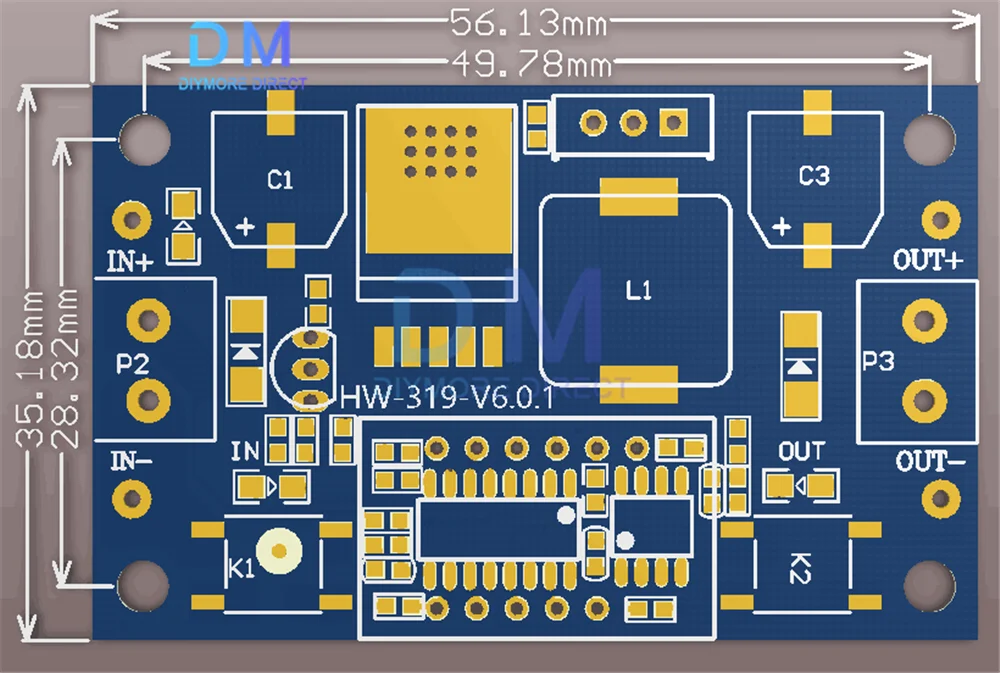
LxWxH=6.1*3.4*12cm
LED digital voltage meter tube with adjustable accuracy, you can target your adjustable multimeter accuracy.
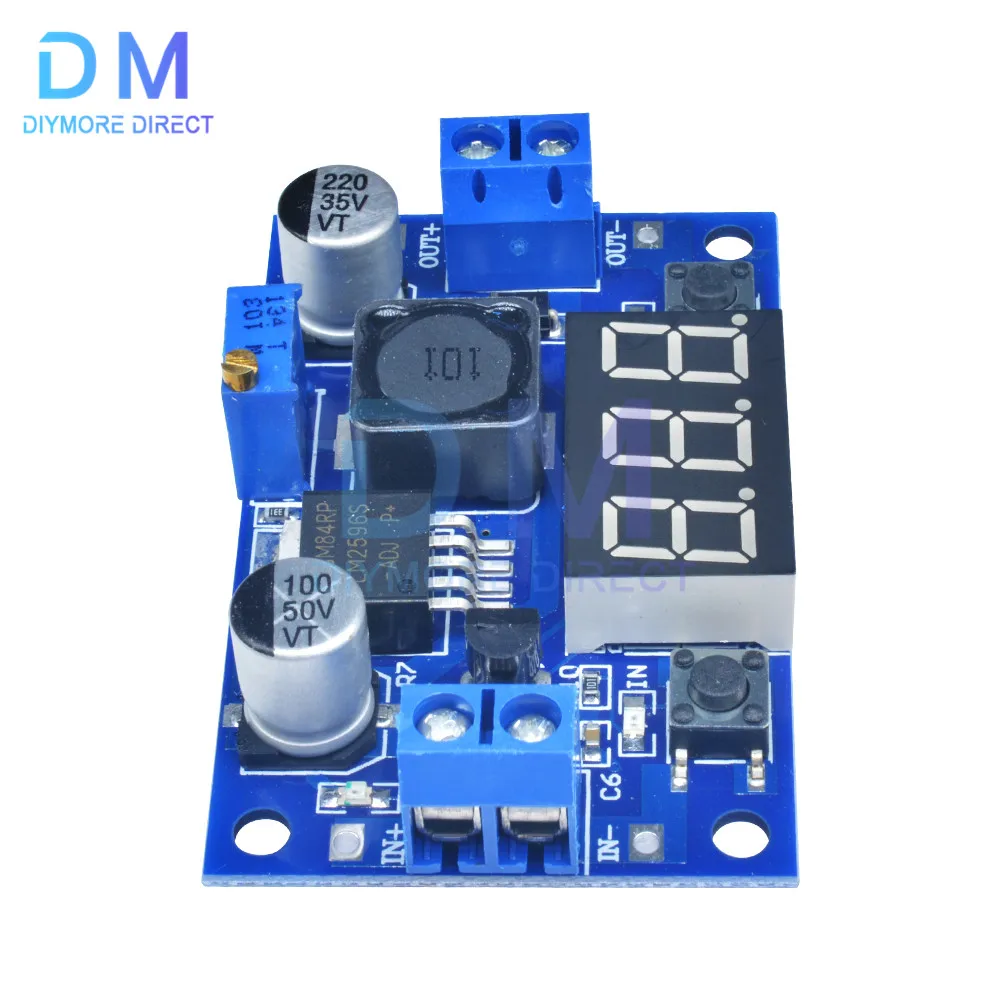
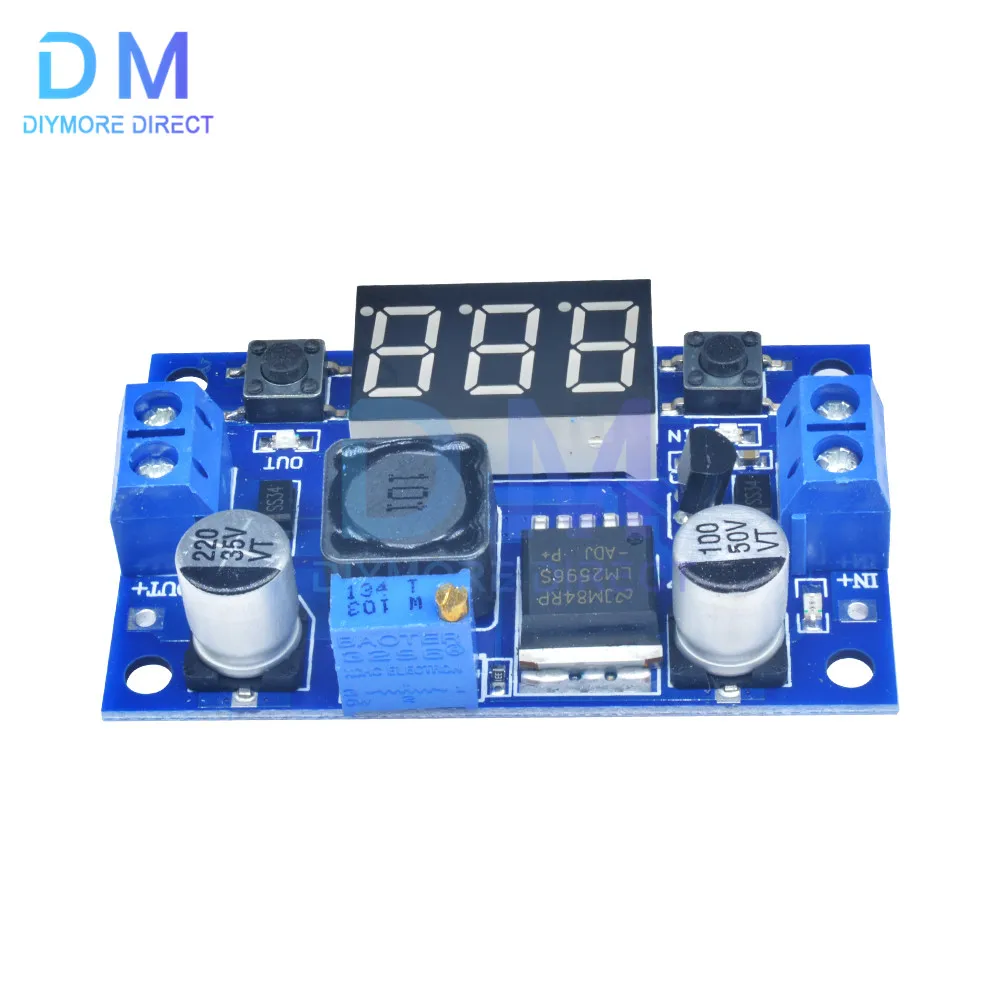
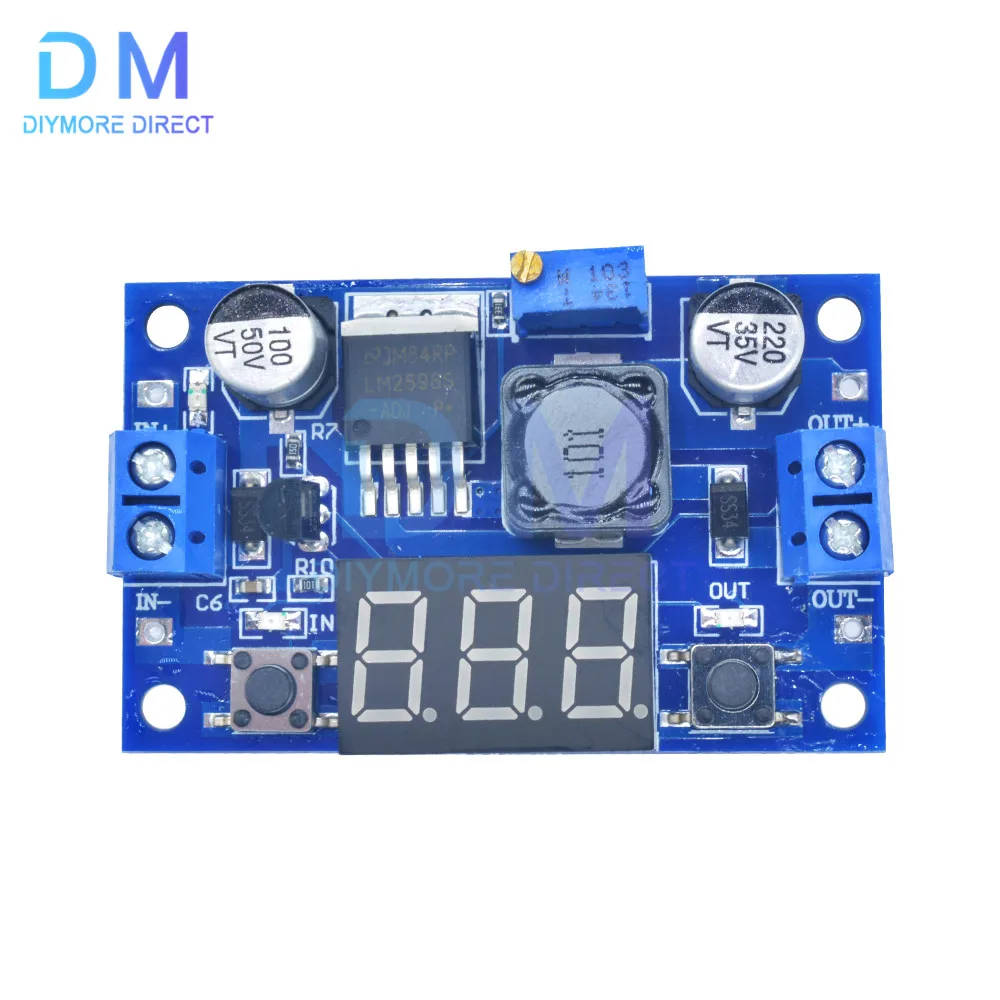
The display shows the input or output voltage by pressing the right button. When the "OUT" LED on the right side shows the output, the "IN" LED on the left side shows the input.
(1) Output Voltage Calibration Procedure
Step 1: Adjust the right button to make the "OUT" LED light up and the voltmeter display the output voltage value; press and hold the right button for more than 2 seconds and release it, the voltmeter and "OUT" LED will flash simultaneously to enter the output voltage calibration mode.
Step 2, press the right key (normal speed), the voltage value plus one unit; press the left key, minus one unit; because a unit is less than 0.1V, the minimum voltage display is 0.1V, so you need to press 1-5 times continuously to see the voltmeter change 0.1V, press the key how many times the voltmeter change 0.1V, depending on the current display voltage, the higher the voltage, the fewer the number of keystrokes.
Step 3, press and hold the right key for more than 2 seconds, release and exit the output voltage calibration mode. All the set parameters will be automatically closed for saving.
(2) Input voltage calibration steps
Step 1: Adjust the right button to make the "IN" LED light up and the voltmeter display the input voltage value; press and hold the right button for more than 2 seconds and release it, the voltmeter and "IN" LED will flash simultaneously to enter the input voltage calibration mode.
Steps 2 and 3 are the same as the output voltage calibration method.
Notes.
Some customers say: "The module can’t be adjusted, the output voltage is always equal to the input voltage." When you encounter this problem, please turn the potentiometer more than 10 turns counterclockwise to adjust the output voltage. Because the factory default output voltage is 20V.
Package includes
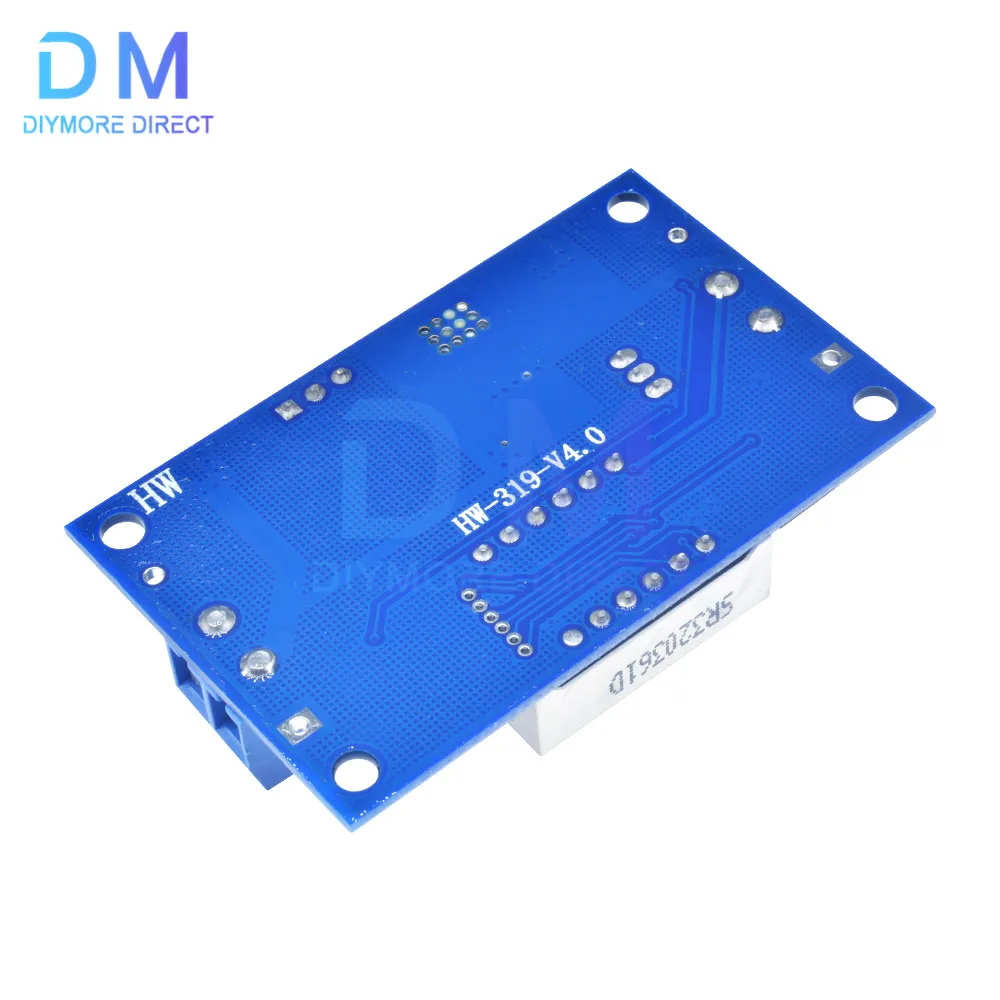
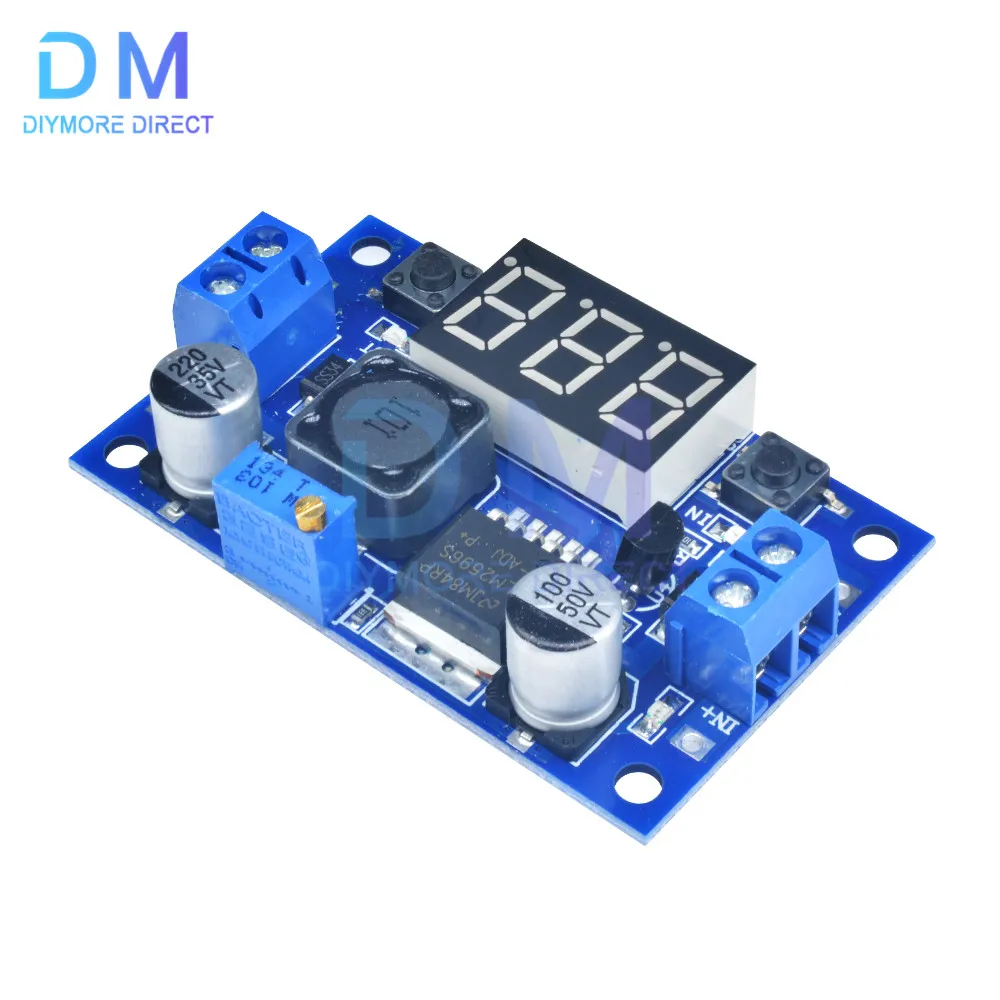
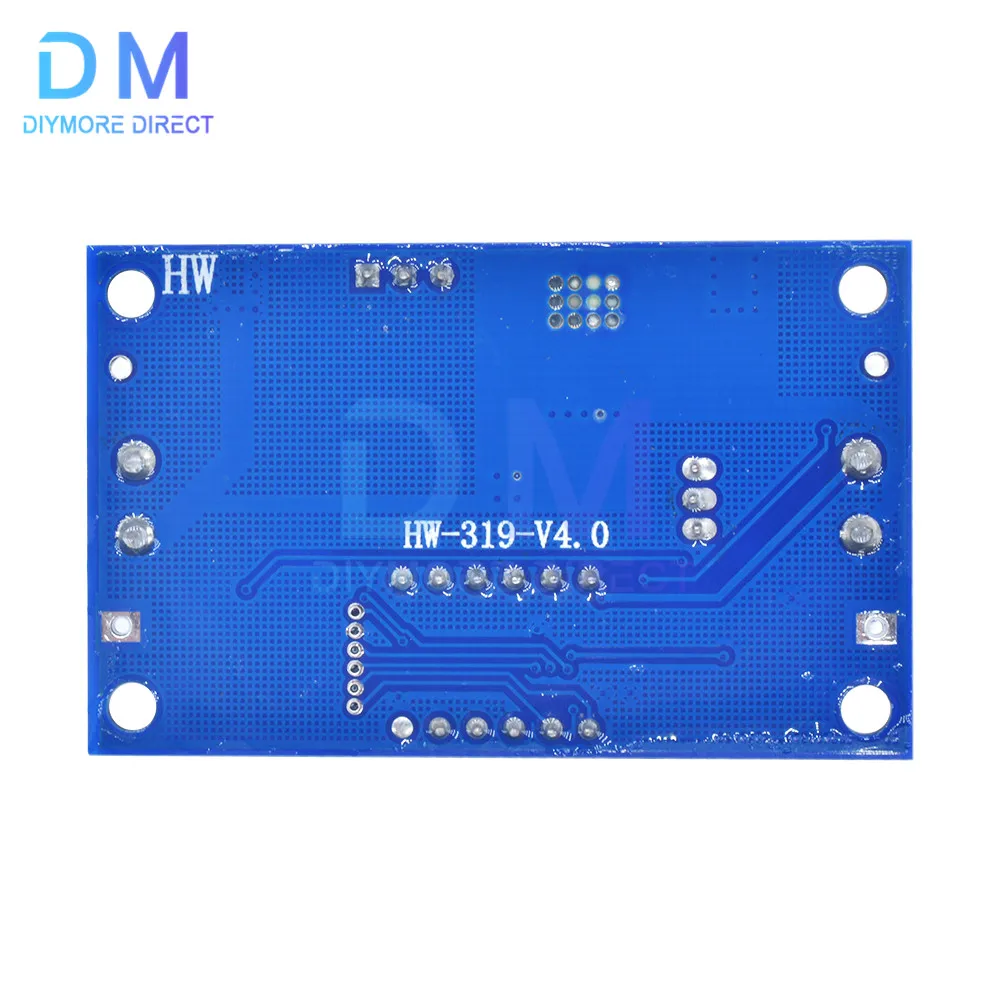
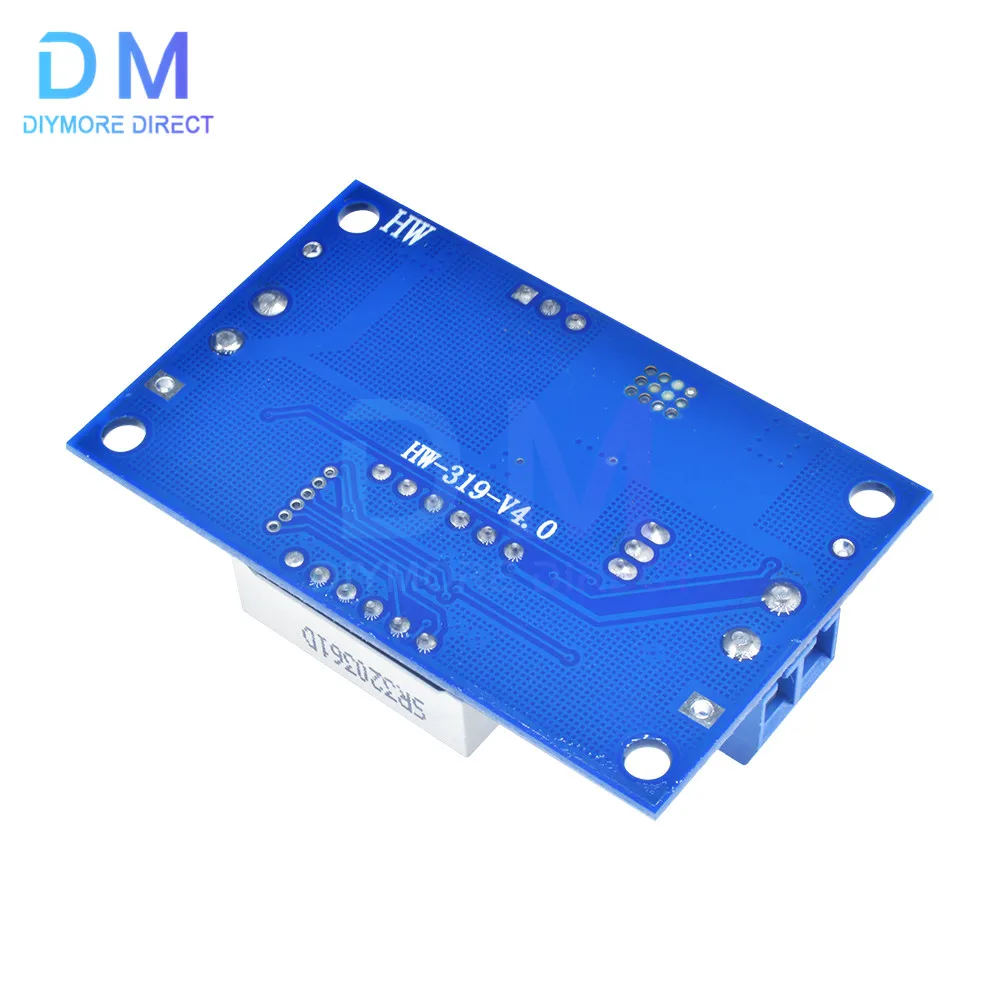
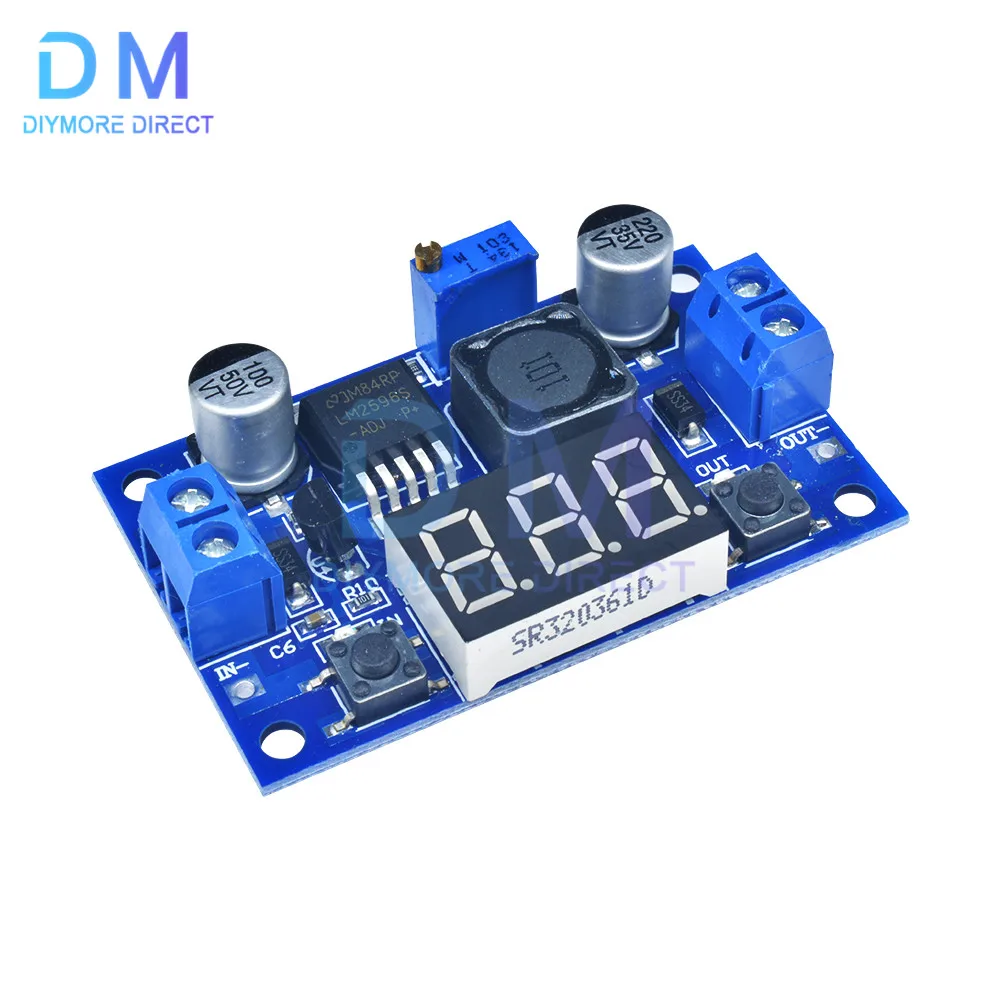
1 x LM2596 buck power converter module















There are no reviews yet.